Head-to-head
TrackPlay vs Vidalytics
Pick TrackPlay if you optimize on the cart-verified sale and want server-side postbacks to Meta, TikTok and GA4; pick Vidalytics if you want a proven player with deep conversion analytics and prefer bandwidth-based pricing.
Quick answer
Pick TrackPlay if you optimize on the cart-verified sale and want server-side postbacks to Meta, TikTok and GA4; pick Vidalytics if you want a proven player with deep conversion analytics and prefer bandwidth-based pricing.
| TrackPlay | Vidalytics | |
|---|---|---|
| Best for | Paid-traffic VSLs | Direct response |
| From | $29/mo | $19/mo |
| Billing | Per play | Bandwidth + videos |
| Free plan | 1,000 plays/mo | 3 videos, 50GB |
| Sale attribution | Server-side postbacks | Conversion tracking |
Where TrackPlay pulls ahead
What works
- Split tests are settled on the cart-verified sale, with a p-value and confidence interval, and variants run under one embed, so your ad links and campaign learning never reset.
- Conversions post back to Meta, TikTok and GA4 server-side on the watch-time milestone you choose, so the ad platform optimizes on real sales instead of a page-load pixel.
- Per-second retention is split into buyers and non-buyers, with hook rate, hold rate and revenue per play, so you can see the exact seconds to cut or protect.
- Every feature is on every plan and billing is on plays, not bandwidth or seats. The free plan is 1,000 plays a month with no card, and paid plans start at $29.
What to watch
- It is narrow by design: built for paid-traffic VSL conversion, not general hosting, so it lacks the channels, SEO pages and webinar tooling of a Wistia. If your video's job is content marketing, use a general host for that job. For a cold-traffic VSL you still get the full player, per-second retention and sale attribution it is built around.
- It is very new, so outside proof is thin: the testimonials are on-site, there is little third-party review footprint yet, and signup is invite-only right now. That is what you would expect of a platform this recent, and the free plan lets you judge it on your own numbers before you spend on traffic.
What you are actually choosing between
Both of these host your video behind one embed, autoplay it with sound, draw a retention curve, and are built for cold paid traffic rather than a content library. Neither is a general host. So the choice is not really about player quality, where the two are close. It comes down to two things: how far each one carries the data past the play, and how each one meters what you pay.
TrackPlay is a VSL player and analytics platform for paid-traffic funnels. It hosts the video, holds attention with sound-first autoplay and timed calls to action, and ties every second watched to who actually bought. Vidalytics is an established direct-response video player with deep conversion analytics and heatmaps, and a long track record on VSLs. Here is where they part.
Attribution: the real split
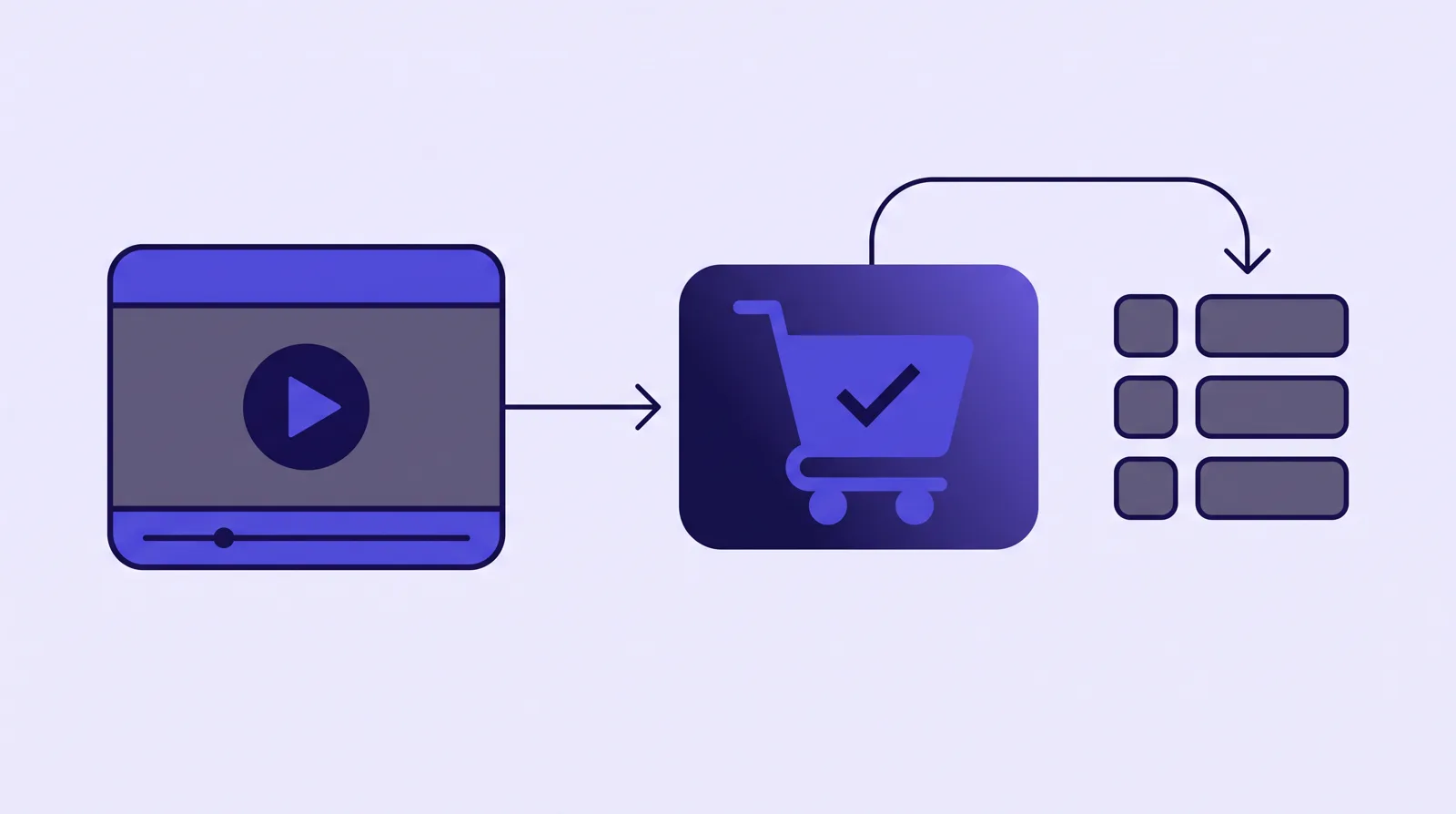
This is the line that decides most of these matchups. Vidalytics tracks conversions well. Its video conversion tracking pins the exact second a viewer converted, and its heatmaps and buyer-versus-non-buyer segments show where attention drops. What it does with that is tag your CRM and report inside its own dashboard. It stops at conversion tracking.
TrackPlay carries the data one step further, and that step is what it is built for on paid traffic. When the sale happens, the cart posts the verified purchase back onto the play that earned it, server to server, with no browser involved. TrackPlay reads that from seven direct-response carts, including ClickBank, ClickFunnels, Kiwify, BuyGoods, Digistore24, WarriorPlus and JVZoo. It then fires that conversion server-side to Meta CAPI, TikTok Events API and GA4 on the watch-time milestone you choose, and dedups the browser and server events so you do not double-count.
The practical difference: your ad platform optimizes on the actual, cart-verified sale and on watch behaviour, rather than on a page-load pixel that fires whether or not the viewer ever watched or bought. If your buying decision is driven by what Meta and TikTok learn from your traffic, TrackPlay is doing a job Vidalytics does not attempt.
The player: holding attention on paid traffic
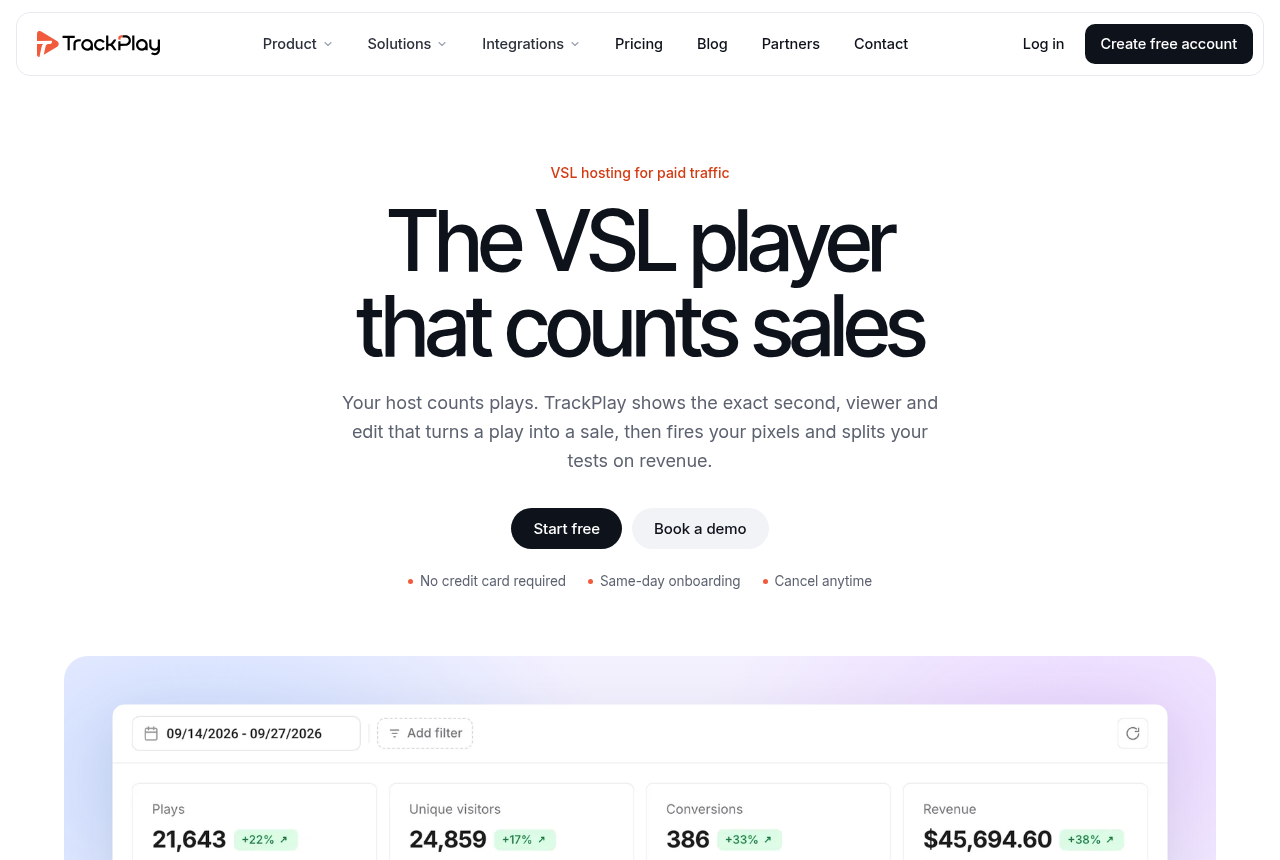
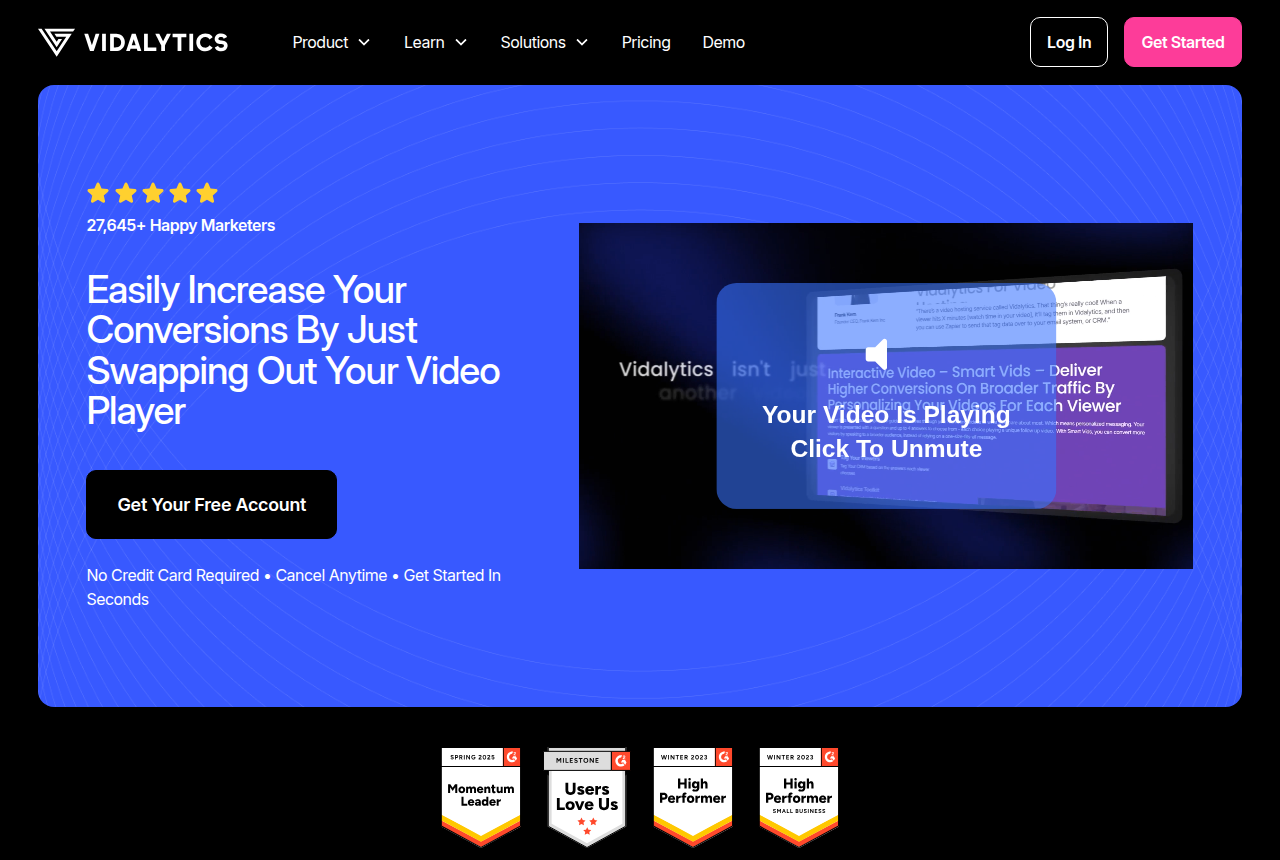
On the player itself the two are close, and both are good. Vidalytics built its reputation on Smart Autoplay. Where a browser blocks sound it starts muted, then restarts with sound the moment the viewer clicks. Its users credit that one feature for the biggest conversion lifts they have seen from a player swap.
TrackPlay's autoplay is sound-first in the same spirit, with one detail worth knowing. Where the browser allows sound, it plays with sound from the first frame. Where it does not, it starts muted and turns sound on at the viewer's first touch without restarting the video, so the hook is heard rather than replayed. It reports unmute rate as a metric, so you can see how often that first touch happens. Both give you timed CTAs. TrackPlay adds watch gates that hold content until a chosen second, and Vidalytics offers play gates and lead capture in the same vein.
The analytics you will live in
Both draw retention and both let you split buyers from non-buyers, which is the segment that matters when you are cutting a VSL. Vidalytics adds heatmaps and its Smart Vids interactive branching, where the video adapts to what the viewer clicks. It is a genuinely useful toolkit. The catch buyers report is that the conversion tracking and heatmaps sit behind the $79 Pro plan, and the sheer number of options can feel heavy at the start.
TrackPlay draws retention per second and splits it into buyers and non-buyers with the median pitch moment marked on the curve, alongside hook rate, hold rate and revenue per play. That last metric reframes the whole report. It tells you what a play is worth, not just how many plays you got. The aim is narrow and useful: you can see the exact seconds to cut or protect, and what each change is worth in sales.
Split testing
Both run A/B tests. Vidalytics has a Winner Recommender that calls a test on conversions. TrackPlay decides its tests on the cart-verified sale with real statistics: a z-test, a p-value and a confidence interval, so you are not calling a winner on a lucky run of clicks. Its variants also run under one embed, which matters more than it sounds. Your ad links and the campaign's learning do not reset every time you promote a new winning video, because the URL never changes.
Pricing: plays versus bandwidth
This is the second real fork, and there is no universal winner. The honest answer depends on your video length and your traffic pattern, and most affiliate pages will not tell you that.
TrackPlay bills on plays. There is a free plan with no card at 1,000 plays a month, watermarked, plus a 14-day trial of the paid features. Paid plans start at $29 a month for 5,000 plays, then $79 for 15,000 and $199 for 50,000, with extra plays available as an opt-in. Every feature, including the attribution and split testing above, ships on every paid plan. Nothing is gated by tier.
Vidalytics bills on bandwidth and video count. Its Free Forever plan covers 3 videos and 50GB. Starter is $24 a month, or $19 billed annually, for 5 videos and 100GB. Pro is $79 a month, or $63 annually, for 20 videos, and adds the conversion tracking and heatmaps. Premium is $149 a month, or $119 annually, for 50 videos with Smart Vids and API access. Extra bandwidth runs about $0.33 a GB.
Where does each win? A long VSL served to heavy cold traffic burns bandwidth fast, and that is where Vidalytics overage adds up. A funnel with a very high play count, where most sessions are short, can run up plays on TrackPlay instead. Count your own numbers before you assume either is cheaper. The clearer difference is not the headline price but the gating: TrackPlay puts its full analytics and attribution on the $29 plan, while Vidalytics reserves conversion tracking and heatmaps for $79 and up. Prices checked September 2026.
Where TrackPlay is narrow, and where that is fine
TrackPlay is narrow by design. It is built for paid-traffic VSL conversion, not for general hosting or a B2B content library, so it has none of the channels, SEO pages or webinar tooling of a Wistia, and it is a poor fit if the video's job is content marketing rather than a direct-response sale. That is the trade the whole category makes, and it is what buys you the sale-level attribution and the buyer-versus-non-buyer retention in the first place. For a cold-traffic VSL you still get the full player, the per-second retention and the sale attribution it is built around. For a content library, use a general host for that job.
The second caution is age. TrackPlay is very new. Its testimonials are on its own site, there is little third-party review footprint yet, and signup is invite-only at the moment, so you cannot lean on outside proof before you commit paid traffic. That is what you would expect of a platform this recent, and the free plan lets you judge it on your own numbers rather than on reviews. This is also exactly where Vidalytics has the edge: years in market, a large named user base, and a public track record a newer player has not had time to build.
Which one for you
Pick TrackPlay if you run paid traffic to a VSL and you optimize on the sale. If you want the cart-verified conversion posted back to Meta, TikTok and GA4 server-side, split tests decided on real sales, and every feature on the entry plan, it is doing work Vidalytics does not.
Pick Vidalytics if you want a proven player with a long track record and deep conversion analytics, you value heatmaps and interactive Smart Vids, and you want the reassurance of a large public user base before you commit. If bandwidth-based pricing suits your video length and traffic, and you are comfortable with the best analytics living on the $79 plan, it is a safe and established choice.
Our pick
TrackPlay
TrackPlay is the pick if you run paid traffic to a VSL and need every play tied to the actual sale.
Frequently asked questions
TrackPlay or Vidalytics: which is better for a VSL?
How much do they cost?
Sources
The vendors' own pages
Other sources
Related reading

Written by
Mara Vance
Editor
Mara edits the reviews and roundups on VSL Host Report. She looks at how a video player behaves on cold paid traffic: autoplay and unmute behaviour, per-second retention, timed CTAs, lead gates and load speed. She also maps what each host really costs, whether it bills per play, per gigabyte or per seat, and rebuilds the monthly bill for a typical VSL funnel. For each piece she reads long-term user reports across forums and review sites, works through the vendor's own docs and pricing, and confirms the numbers before a verdict goes live.
Last checked 2026-09-29