Head-to-head
TrackPlay vs Panda Video
Pick TrackPlay if you run paid traffic to a VSL and optimize on the cart-verified sale, with server-side postbacks to Meta, TikTok and GA4; pick Panda Video if you also sell courses or affiliate offers and want strong anti-piracy and a proven, cheaper host alongside VSL features.
Quick answer
Pick TrackPlay if you run paid traffic to a VSL and optimize on the cart-verified sale, with server-side postbacks to Meta, TikTok and GA4; pick Panda Video if you also sell courses or affiliate offers and want strong anti-piracy and a proven, cheaper host alongside VSL features.
| TrackPlay | Panda Video | |
|---|---|---|
| Best for | Paid-traffic VSLs | Courses + VSL |
| From | $29/mo | $17.90/mo |
| Billing | Per play | Flat + bandwidth |
| Free plan | 1,000 plays/mo | 14-day trial |
| Sale attribution | Server-side postbacks | Tracking pixels |
Where TrackPlay pulls ahead
What works
- Split tests are settled on the cart-verified sale, with a p-value and confidence interval, and variants run under one embed, so your ad links and campaign learning never reset.
- Conversions post back to Meta, TikTok and GA4 server-side on the watch-time milestone you choose, so the ad platform optimizes on real sales instead of a page-load pixel.
- Per-second retention is split into buyers and non-buyers, with hook rate, hold rate and revenue per play, so you can see the exact seconds to cut or protect.
- Every feature is on every plan and billing is on plays, not bandwidth or seats. The free plan is 1,000 plays a month with no card, and paid plans start at $29.
What to watch
- It is narrow by design: built for paid-traffic VSL conversion, not general hosting, so it lacks the channels, SEO pages and webinar tooling of a Wistia. If your video's job is content marketing, use a general host for that job. For a cold-traffic VSL you still get the full player, per-second retention and sale attribution it is built around.
- It is very new, so outside proof is thin: the testimonials are on-site, there is little third-party review footprint yet, and signup is invite-only right now. That is what you would expect of a platform this recent, and the free plan lets you judge it on your own numbers before you spend on traffic.
What you are actually choosing between
Both of these host your video, autoplay it with sound, and give you a VSL toolkit, so on a spec sheet they look like the same product. They are not. They come from two different starting points, and the one you should pick depends on which of those two jobs your video is doing.
TrackPlay is a VSL player and analytics platform built for paid-traffic funnels. It hosts the video behind one embed, holds attention with sound-first autoplay and timed calls to action, and ties every second watched to who actually bought. Its whole focus is attribution: the cart posts the verified sale back onto the play that earned it, and TrackPlay fires that conversion server-side to the ad platforms.
Panda Video is a video host built for courses and affiliate offers first, with real VSL features bolted on. It hosts course libraries and sales videos on an AWS network, and its standout is security: DRM, watermarking and anti-download, the strongest anti-piracy in this set. It has a Smart Autoplay player, A/B tests, a dummy progress bar, tracking pixels and a video funnel, and it is popular with ClickBank and affiliate sellers who need to protect content as much as convert it. That difference in origin is what the whole comparison turns on.
Attribution: the real split
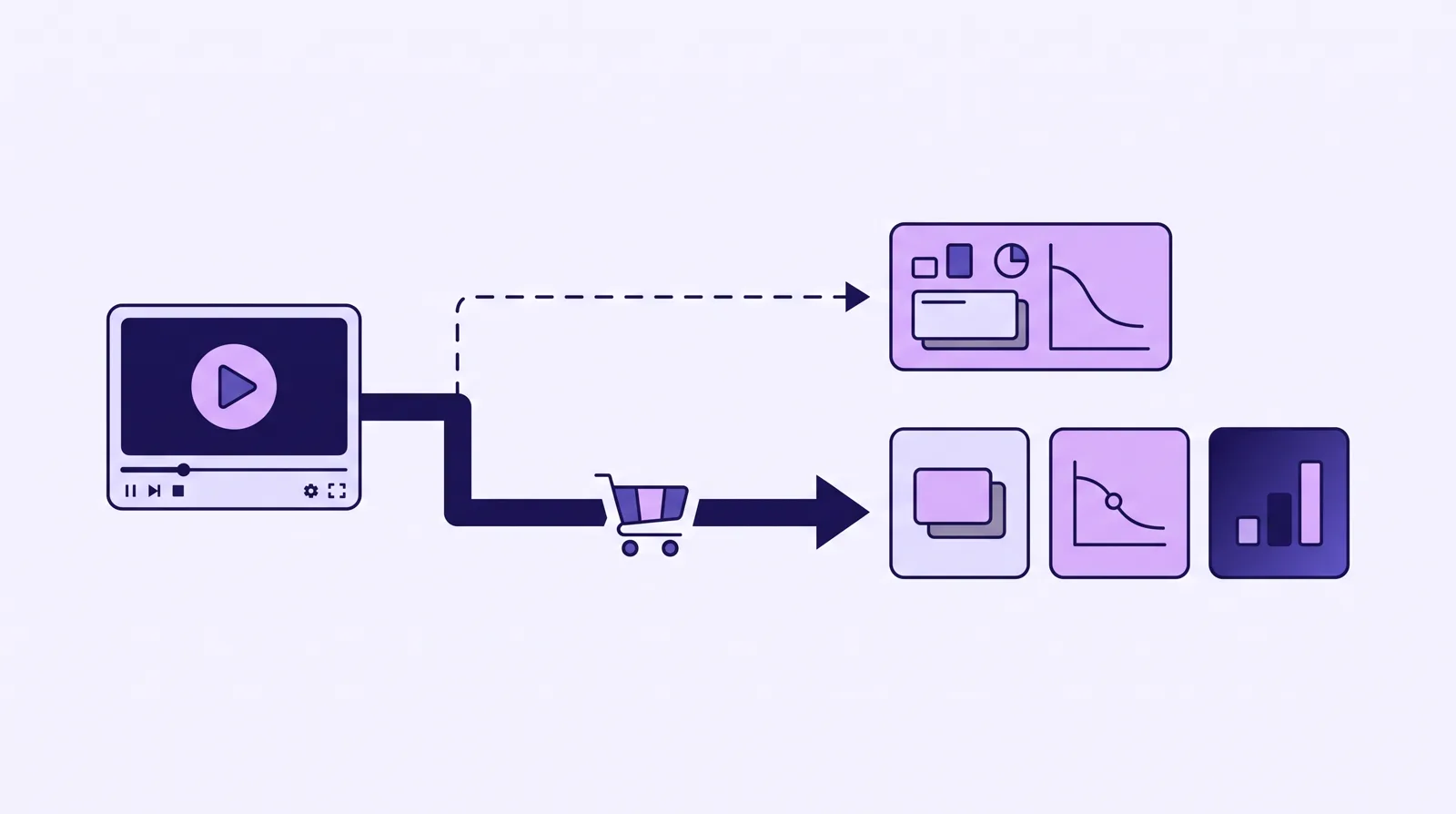
This is the line that decides most of these matchups, and it is where the two products stop doing the same thing. Panda Video tracks. It fires tracking pixels and shows you engagement inside its own dashboard, which is enough to see how a video performs and to feed a basic pixel event. Its pixels fire from the browser, and it stops at conversion tracking. It does not tie the actual sale to the specific play, and it does not post that sale back to the ad platforms server to server.
TrackPlay carries the data one step further, and that step is what it is built for on paid traffic. When the sale happens, the cart posts the verified purchase back onto the play that earned it, server to server, with no browser involved. TrackPlay reads that from seven direct-response carts, including ClickBank, ClickFunnels, Kiwify, BuyGoods, Digistore24, WarriorPlus and JVZoo. It then fires that conversion server-side to Meta CAPI, TikTok Events API and GA4 on the watch-time milestone you choose, and dedups the browser and server events so you do not double-count.
The practical difference: your ad platform optimizes on the actual, cart-verified sale and on watch behaviour, rather than on a browser pixel that fires whether or not the viewer ever watched or bought. If your buying decision is driven by what Meta and TikTok learn from your traffic, TrackPlay is doing a job Panda does not attempt.
The player and holding attention
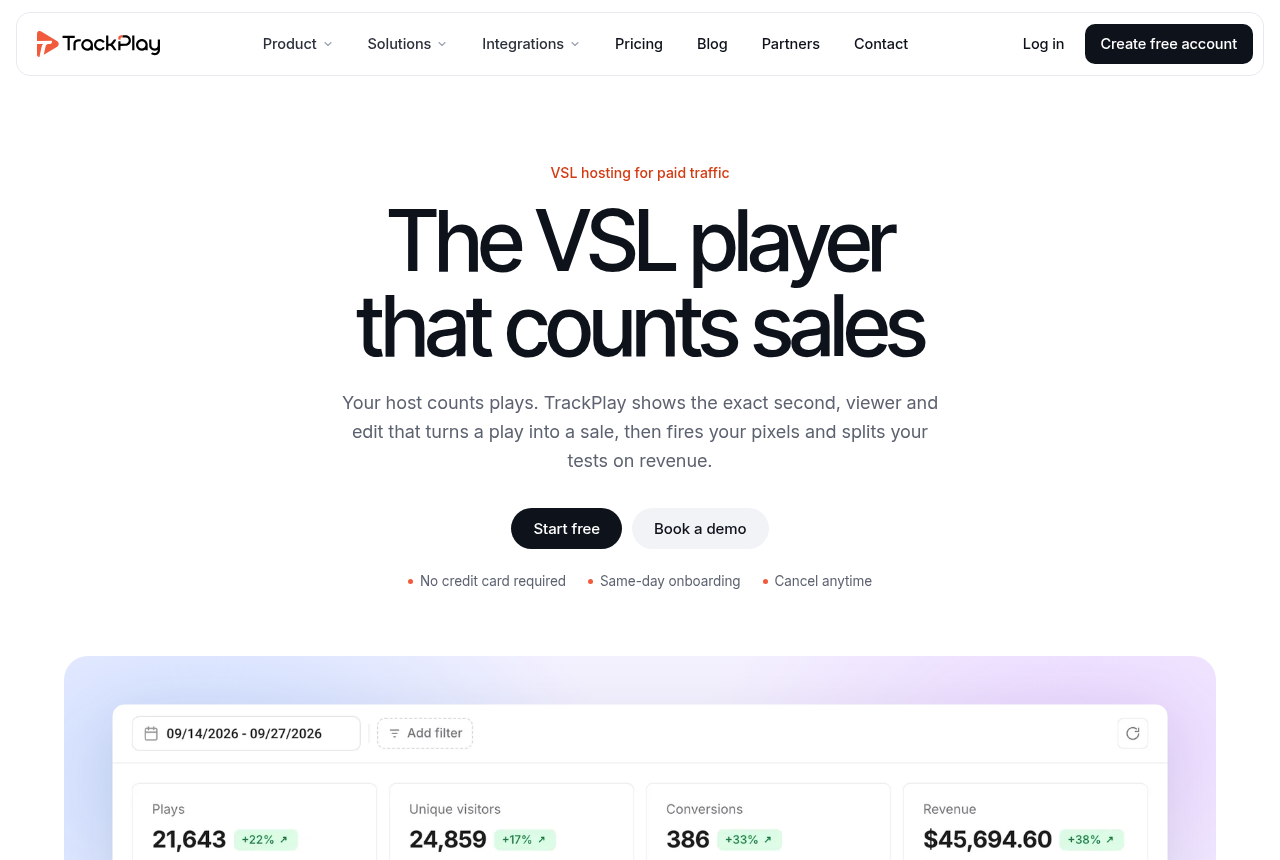
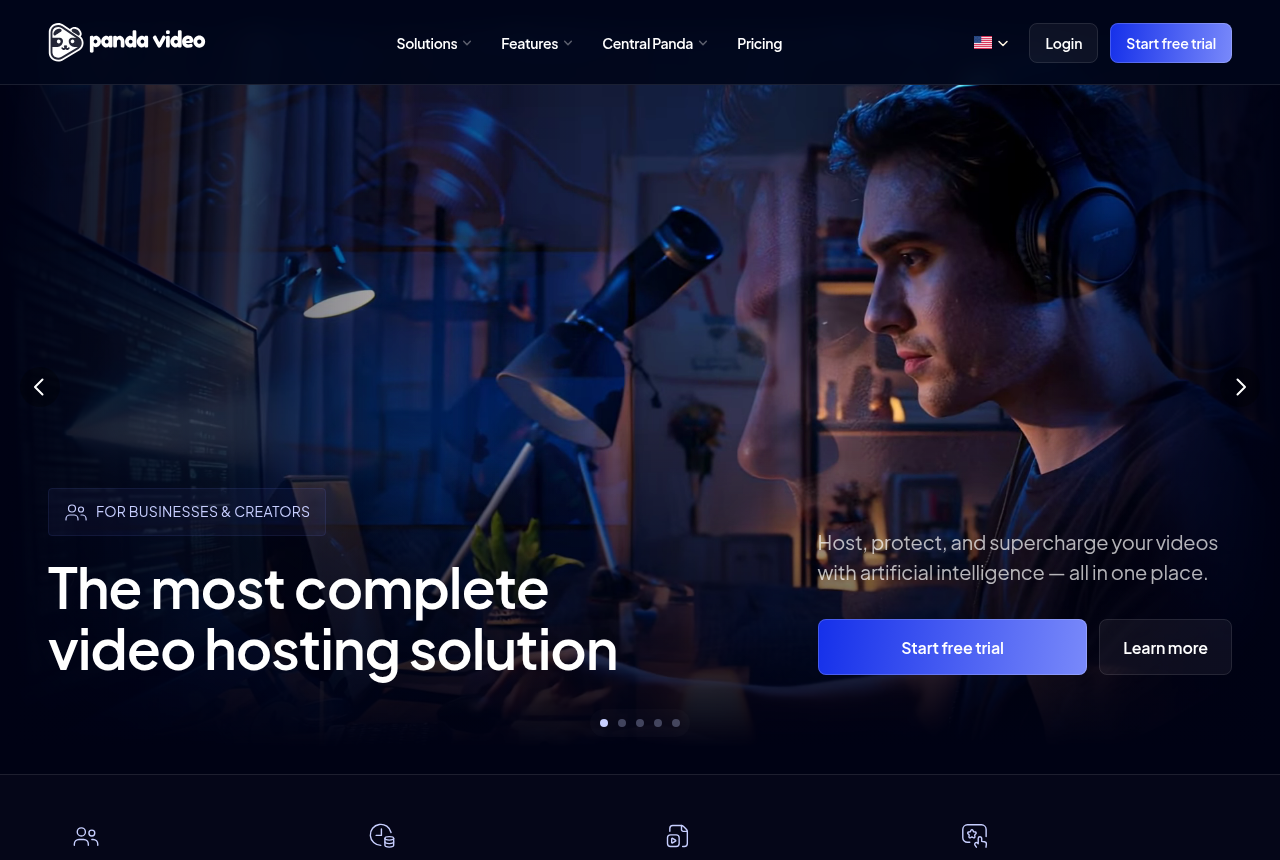
On the player both are competent, and both were built with paid traffic in mind. Panda's Smart Autoplay handles the muted-browser problem, and its dummy progress bar (a bar that fills fast early so a long VSL feels shorter) is a direct-response trick its audience asks for. It gives you timed CTAs and a video funnel to chain videos into a sequence.
TrackPlay's autoplay is sound-first in the same spirit, with one detail worth knowing. Where the browser allows sound, it plays with sound from the first frame. Where it does not, it starts muted and turns sound on at the viewer's first touch without restarting the video, so the hook is heard rather than replayed. It reports unmute rate as a metric, so you can see how often that first touch happens. It adds watch gates that hold content until a chosen second, and lead capture forms over the video. On raw player features the two are close; the gap opens up in what happens to the data afterwards.
The analytics you will live in
Panda reports engagement and retention well enough to judge a video, and for a course library that is the right depth. But it serves courses and affiliates as much as VSLs, so its conversion analytics are lighter than a dedicated direct-response player's. You see how a video did; you do not get the sale-level cut that tells you which seconds are earning money.
TrackPlay draws retention per second and splits it into buyers and non-buyers, with the median pitch moment marked on the curve, alongside hook rate, hold rate and revenue per play. That last metric reframes the report: it tells you what a play is worth, not just how many plays you got. The aim is narrow and useful. You can see the exact seconds to cut or protect, and what each change is worth in sales.
Split testing
Both run A/B tests on your videos. Panda's test tells you which variant held attention better. TrackPlay decides its tests on the cart-verified sale with real statistics: a z-test, a p-value and a confidence interval, so you are not calling a winner on a lucky run of clicks. Its variants also run under one embed, which matters more than it sounds. Your ad links and the campaign's learning do not reset every time you promote a new winning video, because the URL never changes.
Security and courses: Panda's edge
This is the section where Panda Video is the better tool, and it is not close. If part of your business is selling courses or a membership, protecting the content is the whole game, and Panda has the strongest anti-piracy in this comparison: DRM, dynamic watermarking and anti-download. TrackPlay hosts on domain-locked embeds, which stops the embed being lifted onto another site, but it is not a course platform and it does not try to be a content vault. Panda also runs deeper AI tooling for course sellers, with an in-video tutor and dubbing into more than 30 languages, and it imports from Vimeo in minutes with a Chrome extension. If a course library and a sales video live under one roof for you, Panda covers both jobs and TrackPlay covers one.
Pricing: plays versus flat plus bandwidth
The two meter cost differently, and there is no universal winner. The honest answer depends on your video length and your traffic pattern, and most affiliate pages will not tell you that.
TrackPlay bills on plays. There is a free plan with no card at 1,000 plays a month, watermarked, plus a 14-day trial of the paid features. Paid plans start at $29 a month for 5,000 plays, then $79 for 15,000 and $199 for 50,000, with extra plays available as an opt-in. Every feature, including the attribution and split testing above, ships on every paid plan. Nothing is gated by tier.
Panda Video runs flat plans plus metered bandwidth. Bronze is $17.90 a month (200GB storage, 500GB bandwidth, one user), Silver is $37.90 (512GB storage, 1TB bandwidth, two users) and Gold is $97.90 (1TB storage, 4TB bandwidth, 10 users, and it unlocks anti-download and free AI). Extra bandwidth is $0.03 a GB and extra storage $0.06 a GB, and there is a 14-day trial. Its entry price is lower than TrackPlay's, which matters if you are watching the monthly line.
Where does each win? A long VSL served to heavy cold traffic burns bandwidth fast, and that is where Panda's metered overage adds up. A funnel with a very high play count, where most sessions are short, can run up plays on TrackPlay instead. Count your own numbers before you assume either is cheaper. The clearer difference is what you get on the entry plan: TrackPlay puts its full analytics and attribution on the $29 plan, while Panda reserves its anti-download and free AI for the $97.90 Gold tier. Prices checked September 2026.
Where TrackPlay is narrow, and where that is fine
TrackPlay is narrow by design. It is built for paid-traffic VSL conversion, not for general hosting or a B2B content library, so it has none of the channels, SEO pages or webinar tooling of a Wistia, and it is a poor fit if the video's job is content marketing rather than a direct-response sale. That is the trade the whole category makes, and it is what buys you the sale-level attribution and the buyer-versus-non-buyer retention in the first place. For a cold-traffic VSL you still get the full player, the per-second retention and the sale attribution it is built around. For a course library or a content channel, that is Panda's ground, not TrackPlay's.
The second caution is age, and here Panda has the clear edge. TrackPlay is very new. Its testimonials are on its own site, there is little third-party review footprint yet, and signup is invite-only at the moment, so you cannot lean on outside proof before you commit paid traffic. Panda Video has more than 30,000 customers and millions of videos hosted, a public track record a newer player has not had time to build. That is what you would expect of a platform this recent, and TrackPlay's free plan lets you judge it on your own numbers rather than on reviews, but if outside validation is what you need to sign off a tool, Panda has it and TrackPlay does not yet.
Which one for you
Pick TrackPlay if you run paid traffic to a VSL and you optimize on the sale. If you want the cart-verified conversion posted back to Meta, TikTok and GA4 server-side, split tests decided on real sales, per-second buyer-versus-non-buyer retention, and every feature on the entry plan, it is doing work Panda does not.
Pick Panda Video if you sell courses or affiliate offers as well as sales videos, and content security is part of the job. Its DRM, watermarking and anti-download are the best here, its AI course tooling is deeper, its entry price is lower, and its long customer base gives you the outside proof a newer player cannot. For a pure paid-traffic VSL where the ad platforms need to learn from the sale, TrackPlay is the sharper tool; for a mixed library of courses and sales videos that has to be protected, Panda is the more complete host.
Our pick
TrackPlay
TrackPlay is the pick if you run paid traffic to a VSL and need every play tied to the actual sale.
Frequently asked questions
TrackPlay or Panda Video: which converts better on paid traffic?
Which one is better for selling courses?
How much do they cost?
Can I use both?
Sources
The vendors' own pages
Other sources

Written by
Mara Vance
Editor
Mara edits the reviews and roundups on VSL Host Report. She looks at how a video player behaves on cold paid traffic: autoplay and unmute behaviour, per-second retention, timed CTAs, lead gates and load speed. She also maps what each host really costs, whether it bills per play, per gigabyte or per seat, and rebuilds the monthly bill for a typical VSL funnel. For each piece she reads long-term user reports across forums and review sites, works through the vendor's own docs and pricing, and confirms the numbers before a verdict goes live.
Last checked 2026-09-28